

Slow Wi-Fi or dead spots
Common cause
Too few or poorly placed access points
Solution
Site survey and centrally managed Wi-Fi
Network & Wi-Fi
We plan, cable and look after your network: from the socket on the wall and the Wi-Fi to a secure connection for working from home.
The network connects all devices, servers, printers, phones and the internet connection. If it is poorly planned or the cabling is a tangle, the result is slow connections, outages and security gaps. A cleanly planned and documented network runs reliably and is easy to extend.
We rely on careful planning, tidy, labelled cabling and documentation that makes every later change quick to carry out. For new offices, law firms and medical practices, we coordinate directly with the architects, electricians and other trades.

Scope of services
Standard with us
In many offices, every device sits in one single network: PCs, servers, printers, phones, the guest Wi-Fi, sometimes cameras and smart TVs. If one device is compromised – by a phishing email or an outdated printer – the attacker can reach everything else from there.
That is why we split every network into separate zones (VLANs) as standard, also for small businesses, law firms and medical practices. A firewall between the zones decides who may talk to whom: the guest Wi-Fi only reaches the internet, the printer cannot reach the server, and an infected PC cannot reach the backups.
Typical occasions
In brief
A VPN (virtual private network) is an encrypted connection over the internet into the company network. Anyone working from home or on the move can access servers and programs as securely as if they were sitting in the office.
A VPN replaces insecure solutions such as remote access that is reachable directly from the internet – one of the most common entry points for attacks. Read more under IT security.
Typical problems
Common cause
Too few or poorly placed access points
Solution
Site survey and centrally managed Wi-Fi

Common cause
Outdated switches, incorrect cabling, bottleneck at the internet connection
Solution
Measurement, replacement of individual components, a suitable connection

Common cause
Only one line, no failover
Solution
Second line or mobile backup
Common cause
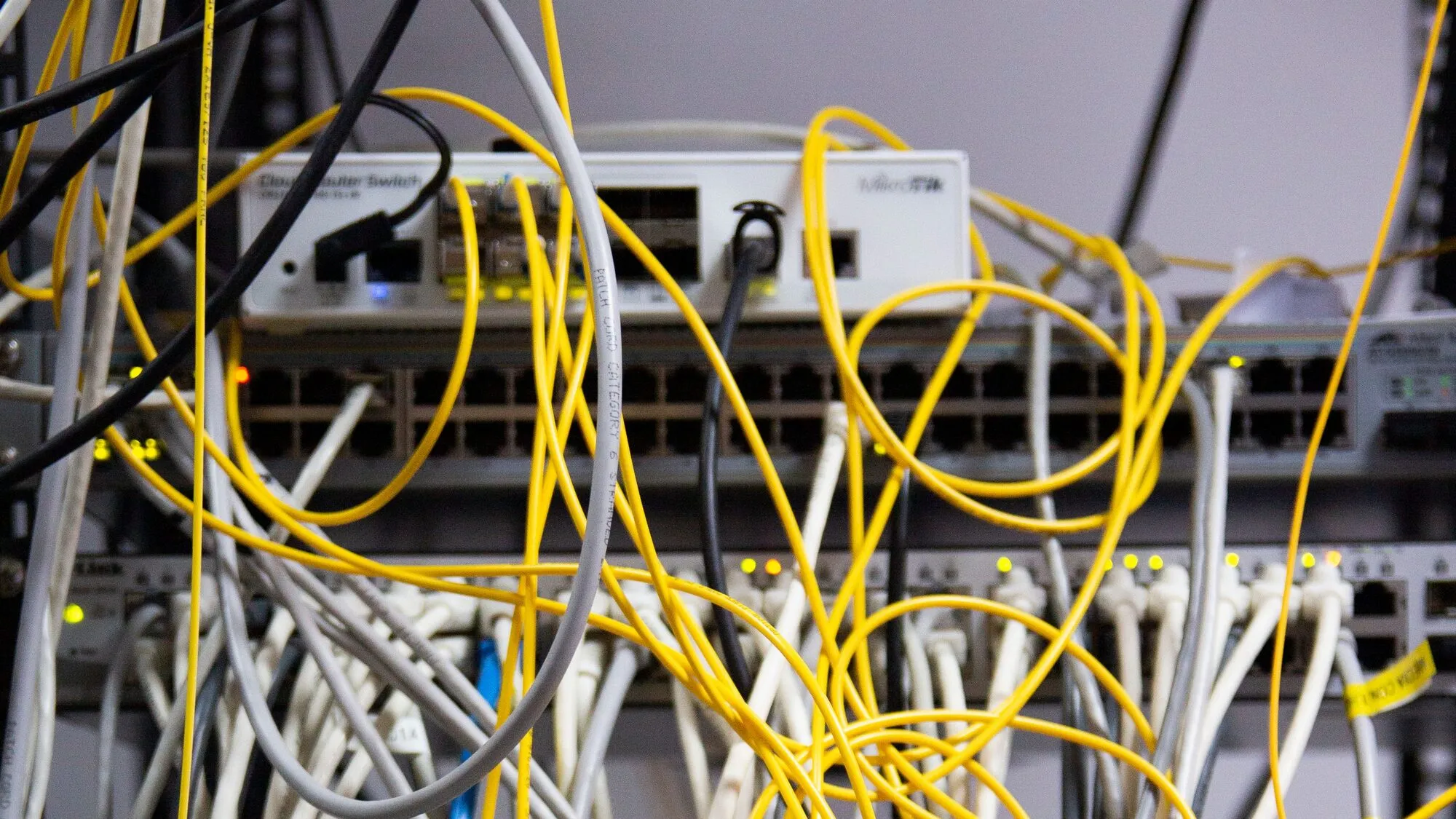
Missing labels and documentation
Solution
Inventory, labelling, network plan
How we work
We look at the rooms, existing equipment and requirements on site – for new buildings, based on the plans.
You receive a plan covering cabling, Wi-Fi, components and costs.
We cable, install and configure – coordinated with the other trades.
You receive complete documentation, and we continue to monitor and look after the network.
Moving or setting up
For new offices, law firms and medical practices, we save time and money when we are involved from the room-planning stage. We plan the network, IT and phone system together and coordinate directly with the architects and electricians.
Discuss your projectThat depends on the number of workstations, the size of the premises, the Wi-Fi you need and whether new cabling is required. After a site visit, you receive a quote covering all components and work.
Usually because there are too few or badly placed access points, thick walls or interference from neighbouring networks. A site survey shows where additional access points are needed.
Network segmentation splits a network into separate zones (VLANs), for example for workstations, servers, telephony, printers and devices, and guests. A firewall decides which zones may communicate with each other. If one device is attacked, the damage stays confined to its zone.
Yes. Attacks do not care about company size, and small networks in particular often have printers, cameras or private devices in the same network as servers and backups. With modern network equipment, segmentation is easy to set up even for a handful of workstations – which is why we implement it as standard for all our clients.
A network without segmentation works – until one device is compromised. Then the whole network is open to the attacker. We are happy to look at your network and show you what segmentation would look like for you.
Yes. A separate guest Wi-Fi lets visitors onto the internet without giving them access to your servers, printers or patient and client data.
Structured cabling means that all cables are laid according to a uniform system, brought together in a network cabinet and labelled. This makes changes and troubleshooting much faster.
Yes. With an encrypted site-to-site connection (site-to-site VPN), several offices or medical practices work as if they were on one shared network.
Yes. We advise on the choice, order the right connection and set it up. For businesses that come to a standstill without the internet, we recommend failover via a second line or mobile connection.
Read more
Free initial consultation, an honest assessment, no long-term contract.
Already a client? Support: +43 1 2266 2266 or support@it-united.at